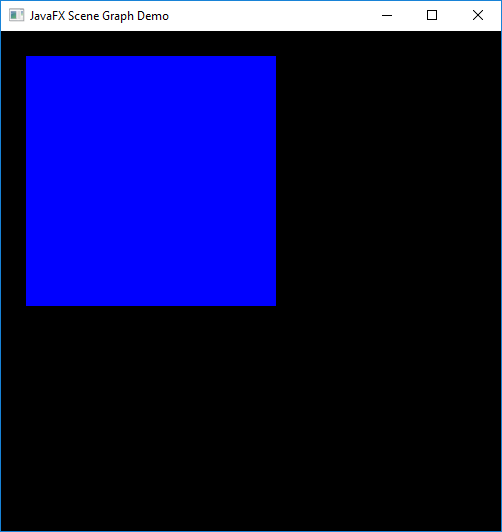
With the change shown in Example 2, a blue rectangle (leaf node) that is 250x250 pixels will appear at the specified X and Y coordinates. (By default, X increases from left to right, and Y increases from top to bottom).
Main2.javaimport javafx.application.Application;
import javafx.scene.Group;
import javafx.scene.Scene;
import javafx.scene.paint.Color;
import javafx.scene.shape.Rectangle;
import javafx.stage.Stage;
public class Main2 extends Application {
@Override
public void start(Stage stage) {
Group root = new Group();
Scene scene = new Scene(root, 500, 500, Color.BLACK);
Rectangle r = new Rectangle(25,25,250,250);
r.setFill(Color.BLUE);
root.getChildren().add(r);
stage.setTitle("JavaFX Scene Graph Demo");
stage.setScene(scene);
stage.show();
}
public static void main(String[] args) {
launch(args);
}
}
Maintained by John Loomis, updated Sat Jan 20 15:43:10 2018