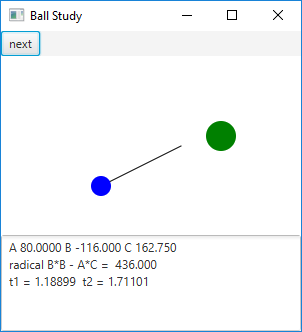
Download Java source from study.zip or study.jar
Opening screen
After pressing next button once
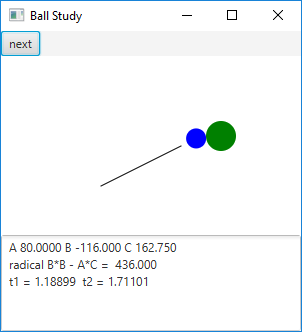
After pressing next button again
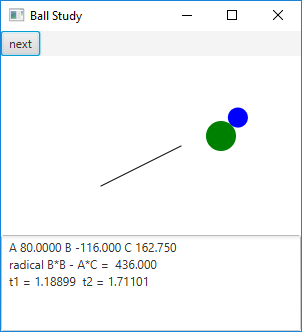
Use mouse to locate new starting point and direction.
See also StudyPane.java, which does most of the work.
study.javaimport javafx.animation.Animation;
import javafx.application.Application;
import javafx.stage.Stage;
import javafx.scene.Scene;
//import javafx.scene.Node;
import javafx.scene.layout.*;
import javafx.scene.control.*;
import javafx.event.ActionEvent;
public class study extends Application
{
@Override // Override the start method in the Application class
public void start(Stage primaryStage)
{
// Create a pane
StudyPane pane = new StudyPane();
// Create a HBOX pane
Button button1 = new Button("next");
HBox hbox = new HBox(button1);
button1.setOnAction((ActionEvent e) -> {
int n = (pane.ns+1)%3;
pane.move(n);
});
pane.solve();
// Create a VBOX pane
VBox vbox = new VBox(hbox,pane,pane.area);
// Create a scene and place it in the stage
Scene scene = new Scene(vbox, 300,300);
primaryStage.setTitle("Ball Study"); // Set the stage title
primaryStage.setScene(scene); // Place the scene in the stage
primaryStage.show(); // Display the stage
}
public static void main(String args[] )
{
launch(args);
}
}
Maintained by John Loomis, updated Sun Mar 04 13:52:24 2018