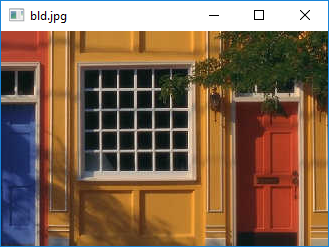
Use a command-line argument to show a different image.
ImageShow1.java import javafx.application.Application;
import javafx.scene.Group;
import javafx.scene.Scene;
import javafx.stage.Stage;
import javafx.scene.paint.Color;
import java.util.List;
public class ImageShow1 extends Application {
@Override public void start(Stage stage) {
// load the image
String file1 = "bld.jpg";
List<String> args = getParameters().getRaw();
String filename = (args.size()>0)? args.get(0): file1;
showImage show1 = new showImage(filename);
show1.setStage(stage);
stage.setX(100);
stage.setY(100);
double wd = stage.getWidth();
double ht = stage.getHeight();
System.out.println("size " + wd + " x " + ht);
}
public static void main(String[] args) {
Application.launch(args);
}
}
Maintained by John Loomis, updated Sun Mar 04 18:17:17 2018